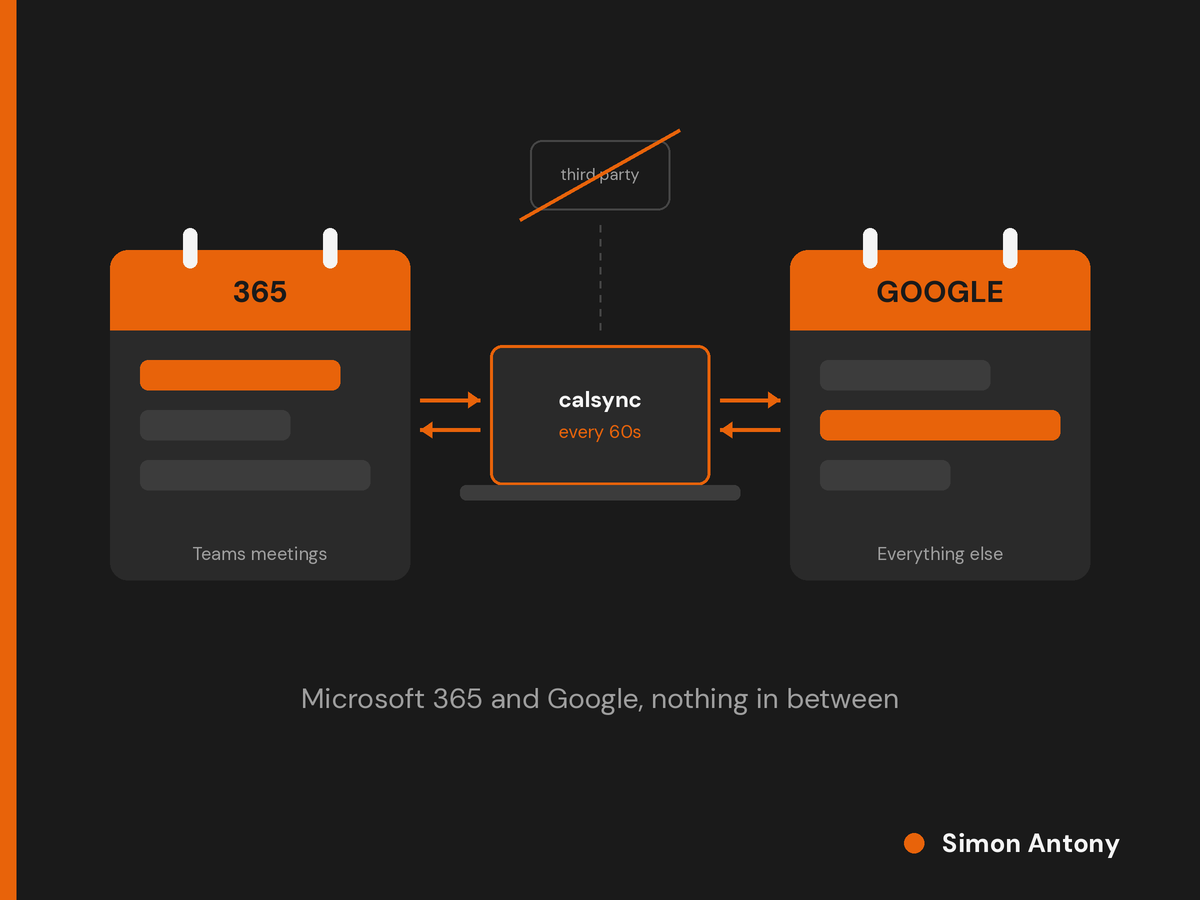
My Teams meetings live in Microsoft 365 and everything else lives in Google Calendar, and the two weren't talking to each other fast enough to be useful. Rather than pay a sync service to read my whole diary, I built my own two-way sync with Claude in under an hour. It runs on my Mac every minute and the data never goes anywhere it wasn't already.
The problem
I run two calendars. Simplepage is on Microsoft 365, so every Teams invite lands there. The Simon Antony side is on Google Workspace, and that's where I keep everything else: client deadlines, invoice reminders, go-live dates, monthly service reports.
I'd bridged them the usual way. Publish the Outlook calendar as an ICS feed, subscribe to it from Google. It works, slowly. Google refreshes subscribed calendars on its own schedule, typically somewhere between 8 and 24 hours, and there's no way to force it. A Teams call booked this morning might not appear in Google until tomorrow. And it only went one way.
Why I didn't just buy a sync tool
There are good services for this. OneCal, CalendarBridge and Reclaim all use the proper APIs and get changes across in a minute or two. Paid plans start at around $4 to $5 a month, and Reclaim has a free tier that covers a single pair of calendars.
The money wasn't the problem. The problem is how they work. Every one of them needs standing OAuth access to both calendars and reads every event through its own servers. My diary has client names, invoice amounts, go-live dates and Teams links with passcodes in it. I spend a fair amount of my working life asking clients where their data goes.
Giving a third party permanent read and write access to both my calendars, to save myself a build, didn't sit right.
The other option was to move the Simon Antony domain into Microsoft 365 and stop needing a sync at all. That will probably happen eventually but there again, after the recent Microsoft outages it may not - after all, I had email continuity whilst others didnt.
What I built
So I had a 'chat' with Claude and we worked out that I could build something self contained that was secure and private plus under my control.
calsync is a small .NET console app that runs on my Mac. A launchd agent starts it every minute. It talks to Microsoft Graph and the Google Calendar API directly, and nothing else is involved: no server, no database, no third-party packages.
Change detection is cheap on both sides. On the Microsoft side it uses a Graph delta query on calendarView, which returns only what changed since the last run, deletions included. On Google it lists events with updatedMin. A quiet minute costs a couple of requests.
Sign-in is OAuth authorisation code with PKCE over a loopback redirect. The Microsoft side is an Entra public client with no secret, the Google side a desktop client on an internal consent screen. Refresh tokens live in the macOS Keychain. State is one JSON file that pairs each event with its copy.
The hard part of any two-way sync is not reacting to your own writes. Every copy calsync creates shows up as a change on the next run. So it remembers the fields it last wrote for each pair, and if what comes back matches, it's an echo and gets ignored. Each copy also carries a short footer marker, so even if the state file were lost it would never copy a copy.
The rules it follows:
My own events (no other attendees) can be edited or deleted on either side, and the change goes back to the original.
Meetings are copied read-only. Attendees and the join link go into the description as text, never as attendees. A background sync tool should never be able to send an invite or a cancellation to a client. Edit the copy and it gets put back on the next run.
Recurring events are copied as individual occurrences across a rolling window, a week back and six months forward. That sidesteps translating Outlook recurrence patterns into Google's format and back, which is where most of the complexity in the commercial tools lives.
The same meeting on both sides, if I've been invited at both addresses, is spotted by title and time and linked rather than duplicated.
Reminders are off on copies, so nothing goes off twice.
Building it with Claude
Claude's opening estimate was three days. That assumed hand-written recurrence translation and a long testing cycle, and once we'd agreed to mirror occurrences instead, it came in at under an hour - typical AI over estimating, I soon put that to bed!
That covers everything from the first file to running under launchd, including setting up the Entra app registration and the Google OAuth client. Claude wrote the code. I made the design calls, did the console setup and read what it produced before letting it near my diary.
Two bugs turned up during setup, both within minutes. The macOS security tool's interactive mode has no quit command, which I hadn't known. The token saved fine but the error stopped the sign-in before it reached Google. One line fixed it.
What made it safe to run against a real diary was a dry-run mode. The first pass listed 101 events it would copy without writing anything. I checked the times across next March's clock change, how all-day events came through, and a couple of duplicates that already existed in Google. The real run made 99 copies, because it spotted those duplicates and skipped them. The second run printed nothing at all, which is exactly what you want from the loop guard.
The result
A Teams invite now shows up in Google within a minute, and a Google appointment shows up in Outlook just as fast. The data moves between my Mac, Microsoft and Google, the two companies that already held it, and nobody else. There's no subscription.
The trade-off is that I own it. If Graph changes or a sign-in lapses, that's my problem, and the log file is where I'll find out. For a tool this size that's a fair swap.
The wider point is that a lot of small internal tools that never used to be worth building now are. If an off-the-shelf subscription is the only reason a third party can see your data, it's worth asking how long it would take to build the thing yourself. It might be an afternoon.
If you've got an integration like this that you'd rather own than rent, get in touch.